Upload Image
Click Add Image
Prompt
Select Model
Select Aspect
3:2
4:3
1:1
3:4

Create high-quality images with GPT Image 2, OpenAI’s latest image generation model. Type what you want, upload a reference image, or edit an existing picture to get polished visuals for products, ads, social media, avatars, and design concepts with less trial and error.


GPT Image 2 is OpenAI's latest image model for creating and editing images with more precision, stronger realism, and better support for reference-based work.
Unlike basic image generators that often require many retries, ChatGPT Images 2.0 is built for practical creative work. You can use it to create product images, ad creatives, social media posts, website visuals, profile pictures, and design concepts with more control over the final result.
In simple terms, GPT Image 2 helps you spend less time rewriting prompts and more time getting images that are ready to use.
See what changed from GPT Image 1.5 to GPT Image 2.
| Feature | GPT Image 1.5 | GPT Image 2 |
|---|---|---|
| Model version | Previous model | Latest model |
| Prompt control | Good | More precise |
| Image editing | Supported | Faster and more polished |
| Reference image workflow | Supported | Better detail handling |
| Output sizes | Standard | More flexible |
| Best use | Basic image creation | Real-world visual creation and editing |
GPT Image 2 model is built to help you do more than generate images. It gives you more control, works better with reference images, and makes it easier to create polished visuals for real projects.
When you already know what you want, ChatGPT Images 2.0 makes it easier to turn that idea into an image that feels closer to your prompt. It can better reflect the subject, style, composition, and details you describe, which is useful for product ideas, ad concepts, social posts, blog visuals, and website graphics.
Create a Custom Image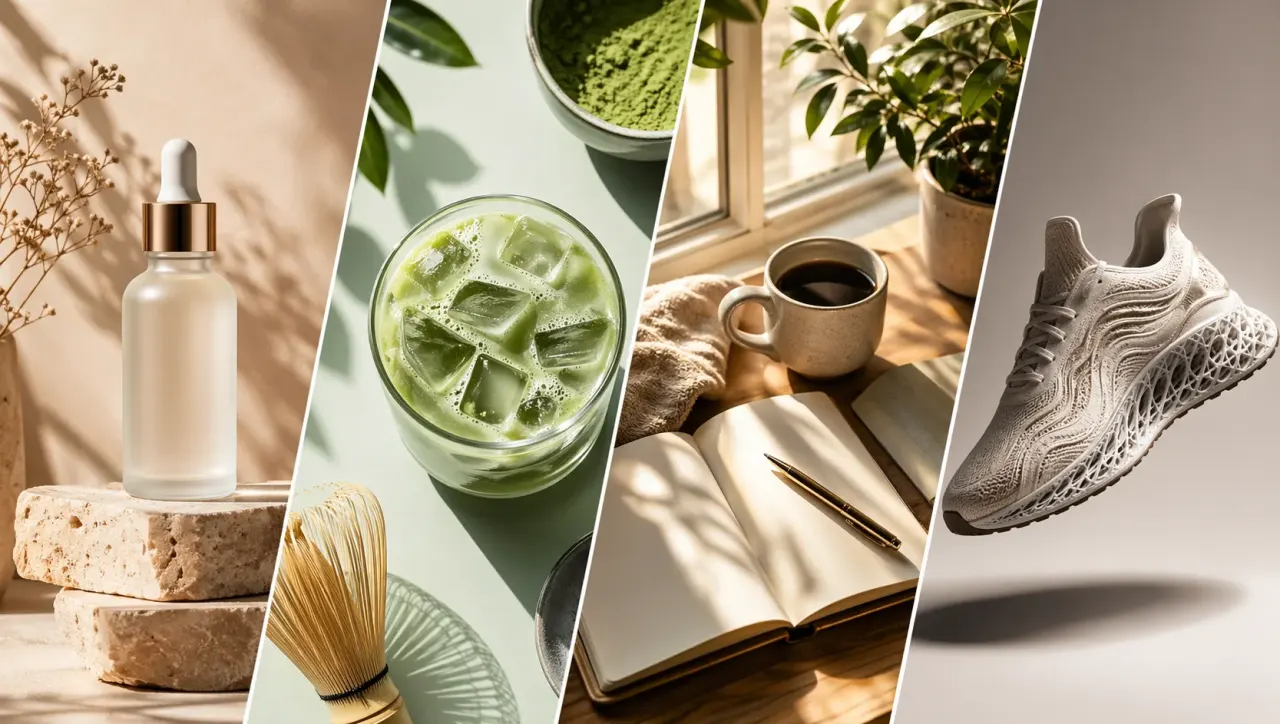
If you already have an image to work from, GPT Image 2 helps you turn it into something new without starting over. You can upload a product photo, design draft, mood image, or style reference, then explore new scenes, backgrounds, layouts, and creative directions while keeping the original idea more consistent.
Create from Reference Image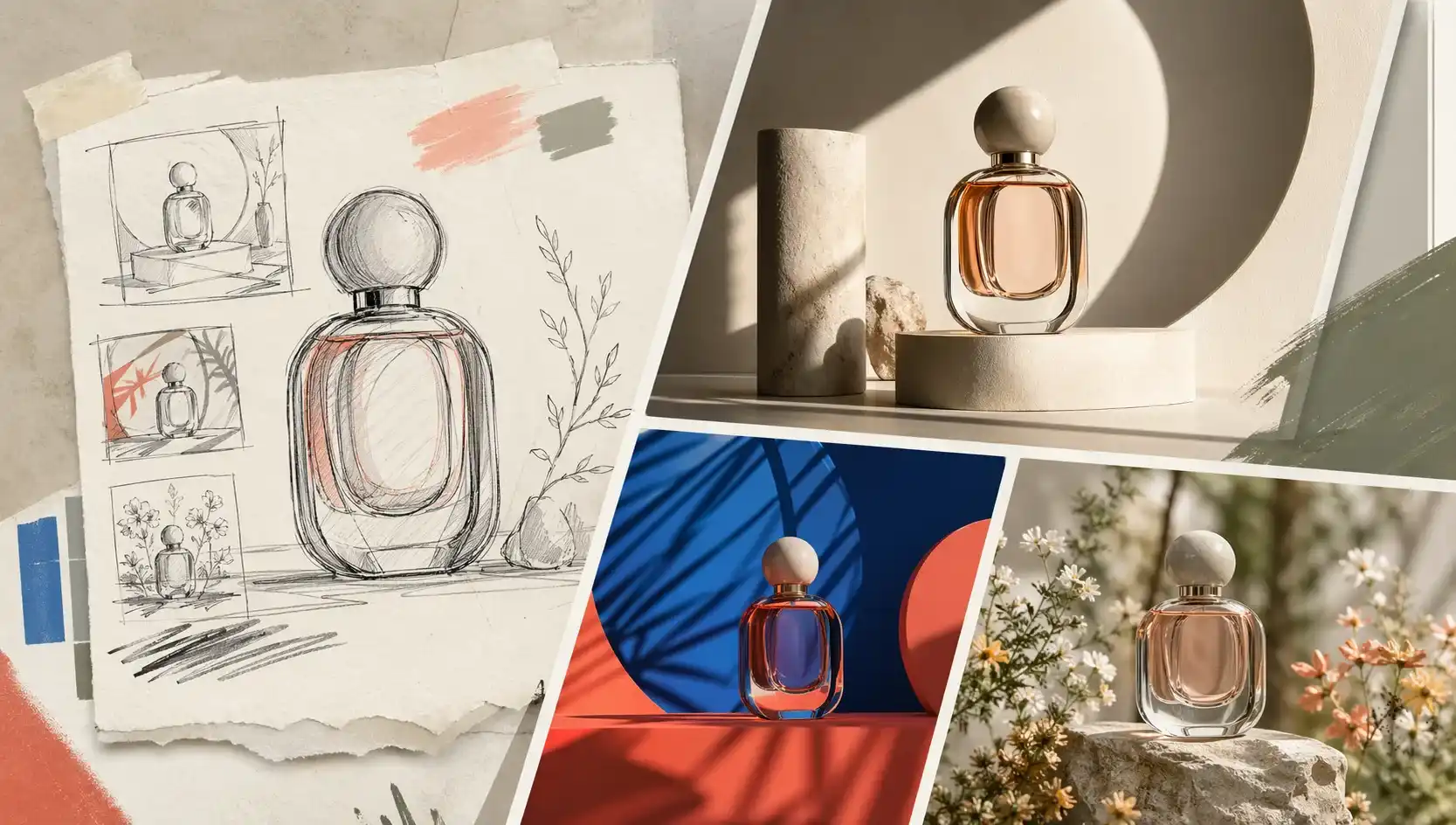
For many users, the goal is not just to create an interesting image, but to create one that is ready to use. ChatGPT Images 2.0 helps you make cleaner, more realistic visuals for product pages, ads, landing pages, brand content, and campaign assets, so you can spend less time fixing results afterward.
Create Realistic Images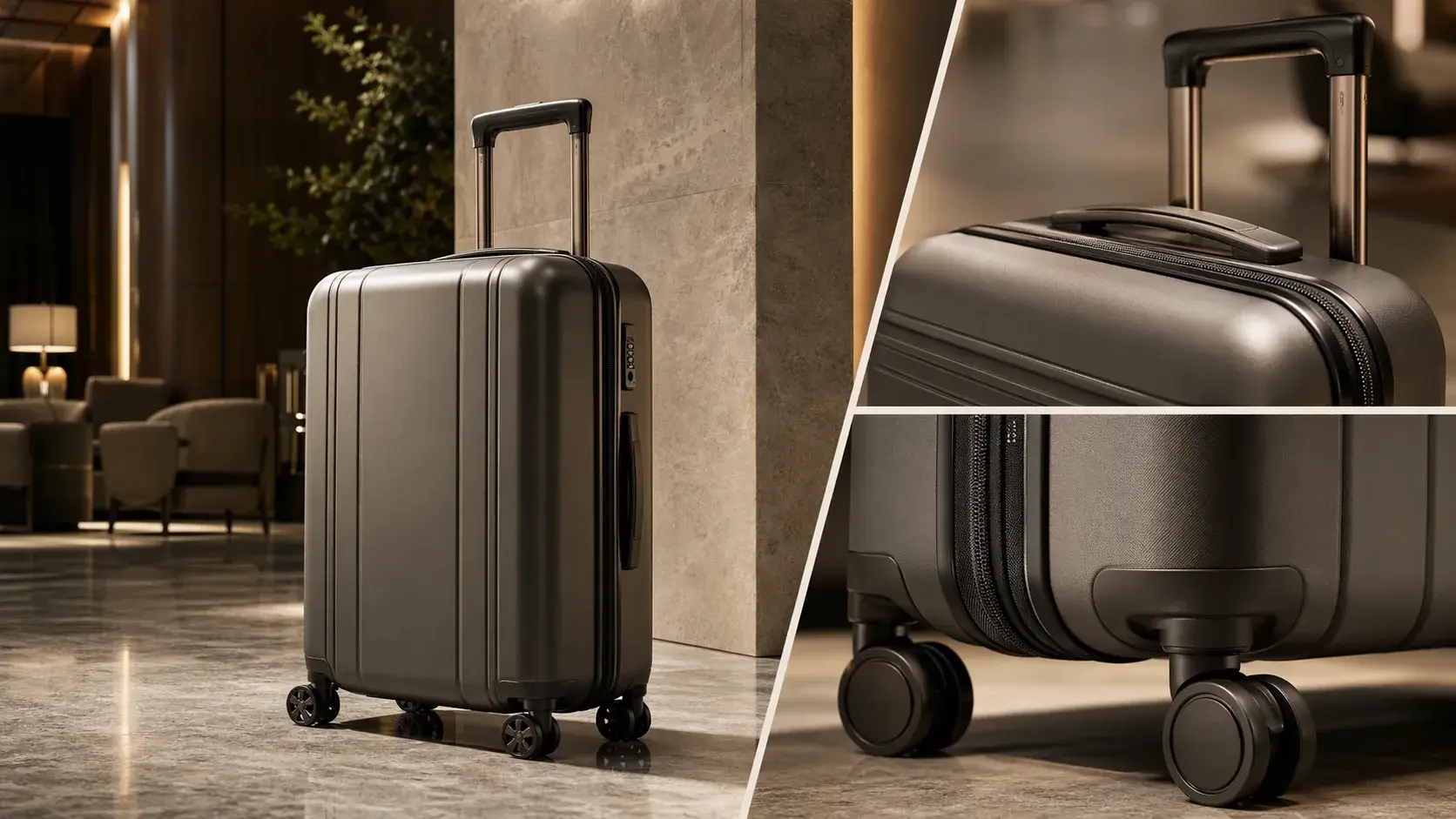
ChatGPT Images 2.0 offers stronger multilingual support, especially when your image needs non-English text. You can create posters, explainers, charts, comics, ads, and social visuals with text in languages such as Chinese, Japanese, Korean, Hindi, and Bengali, making it easier to design content for global audiences.
Create Multilingual Images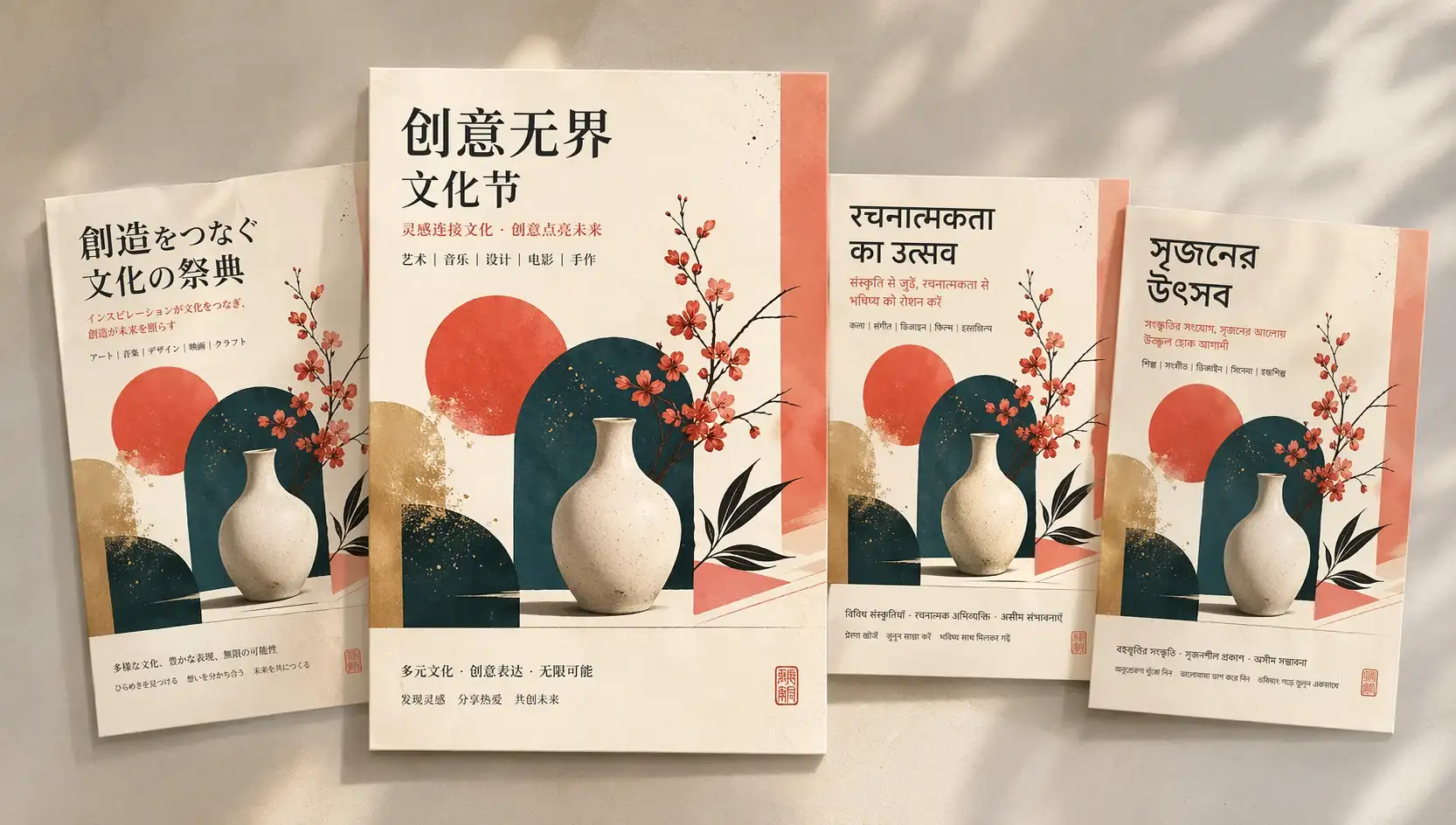
The same idea often needs to work across multiple channels. GPT Image 2 makes it easier to create images for square posts, vertical stories, wide banners, product listings, and website sections, so you can adapt visuals for different placements without rebuilding everything from scratch.
Create for Any Format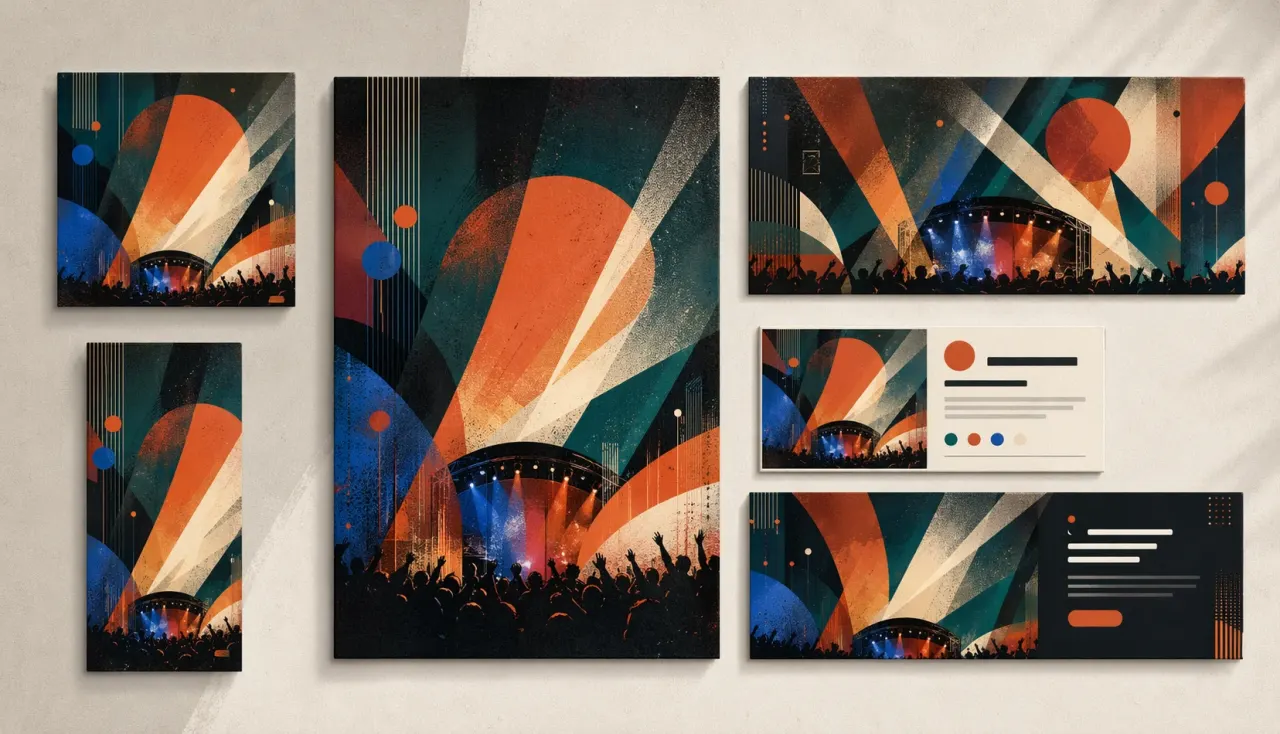
Create, edit, and refine images with GPT Image 2 model in just a few clicks. No complicated setup or design skills needed.
Select GPT Image 2 from the model list to start with OpenAI's latest image generation model.
Type what you want to create, upload a reference image, or use both to guide the result. You can start from a simple idea, an existing image, or a visual direction you want to follow.
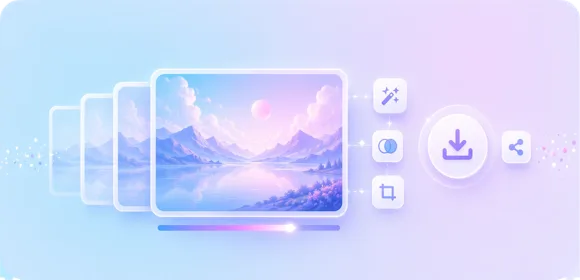
Click generate to create your image in seconds. Then download it, share it, or keep refining until it looks right.
See how GPT Image 2 can turn prompts and reference images into polished visuals for products, ads, social posts, and creative work.
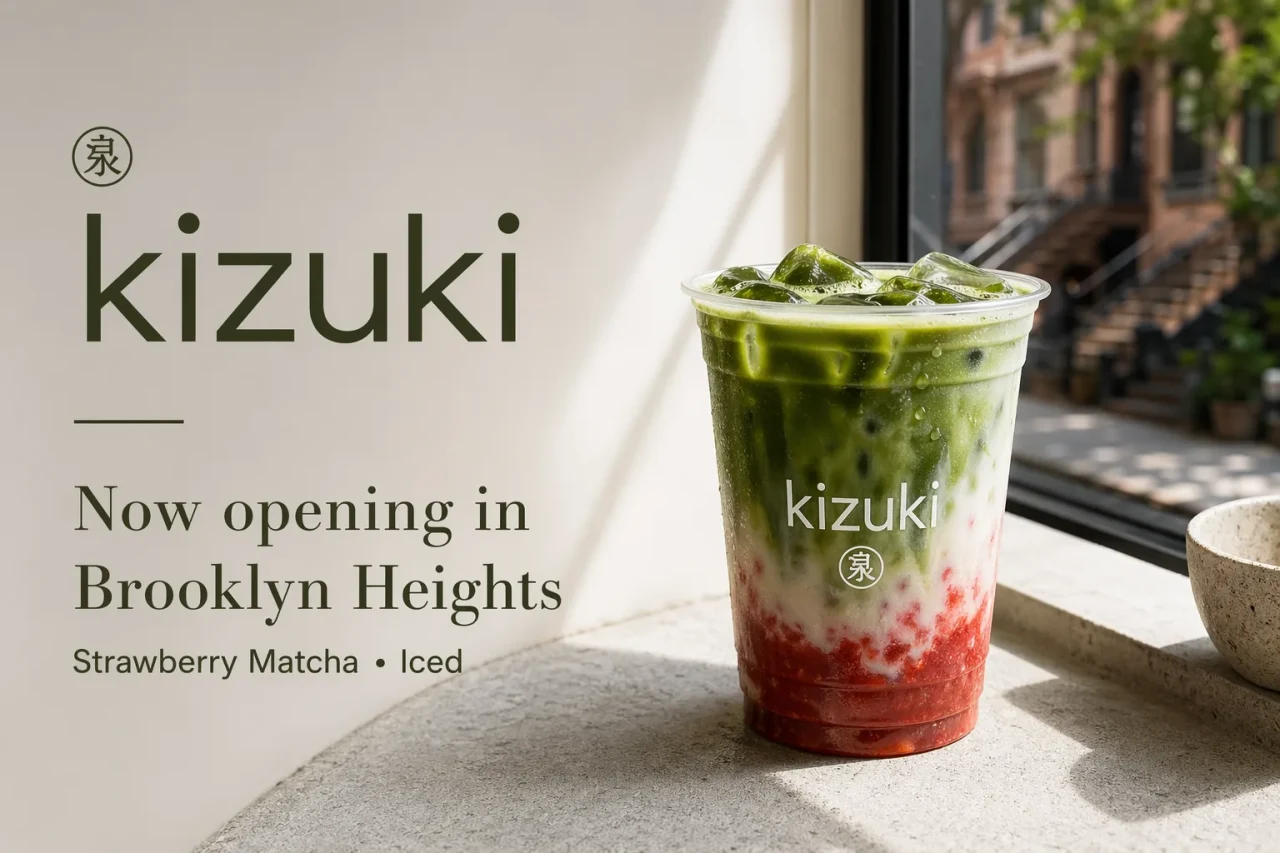
Our platform gives you a simple way to try GPT Image 2 and create useful images without extra setup, account steps, or complicated tools.

Try ChatGPT Images 2.0 for free. Explore ideas, test image quality, and create useful visuals without paying upfront.

Start creating right away. No sign-up, no account setup, and no extra steps before your first image.

Move from idea to image with less waiting. Generate visuals quickly, test different prompts, and keep your creative workflow moving.

You do not need design experience or a complicated setup. Enter a prompt, upload a reference image if needed, and create in just a few simple steps.
Yes. You can try GPT Image 2 for free on our platform, with no login required.
No. You can start using GPT Image 2 without signing up. Just enter a prompt or upload an image to begin.
You can create images from text, generate new visuals from reference images, edit existing pictures, and make images for ads, product pages, social posts, websites, and design ideas.
No. ChatGPT Images 2 is simple to use even if you have no design background. Just enter a prompt, upload a reference image if needed, and generate your image in a few steps.
ChatGPT Images 2 gives you more control over the final image. It works well for text-to-image creation, image editing, reference-based generation, and making visuals in sizes that fit real content needs.
Yes, you can use it to create visuals for ads, products, social posts, websites, and other projects. For commercial use, please check our platform terms and any applicable rules first.